
DOCUMENT PRINTING GUIDE · IRELAND
Document Printing Guide
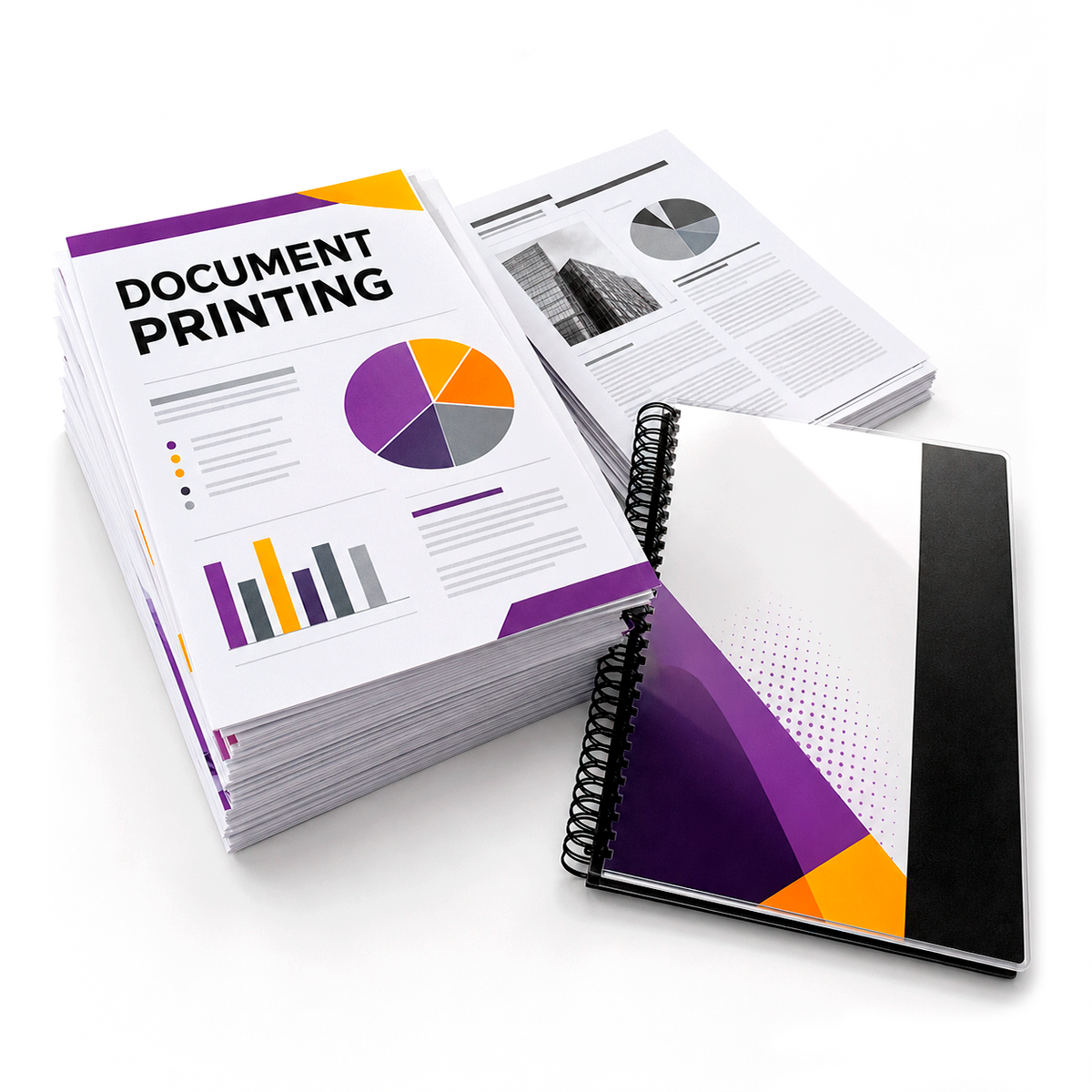
Printing documents online is a convenient way to prepare reports, forms, manuals, presentations and everyday paperwork without visiting a print shop first. This guide explains how to prepare your file, choose between colour and black-and-white printing, decide whether to print single- or double-sided and select finishing options such as wire binding.
When you are ready, you can upload your files and place your order through our Document Printing product page.
What is document printing?
Document printing covers everyday and professional files that are mainly made up of text, tables, charts, images or a combination of these elements. Typical examples include business reports, school or college assignments, training manuals, application forms, presentation handouts, meeting notes, invoices and personal paperwork.
The final result depends not only on the printer, but also on the quality of the uploaded file, the selected paper size, page orientation, colour mode and finishing method. Preparing these details correctly before ordering reduces the risk of missing text, incorrect page order or unexpected changes in layout.
What file format should I use?
PDF is usually the safest format for document printing. A PDF preserves the page size, fonts, images and layout more reliably than an editable document. Files created in Microsoft Word, PowerPoint, Excel, Google Docs or similar software should normally be exported or saved as a PDF before upload.
Before saving your PDF, check that:
- all pages are included and arranged in the correct order,
- the page size matches the size you want to print,
- fonts and symbols display correctly,
- images are clear enough for the intended print size,
- there are no comments, crop marks or hidden pages that should not be printed.
Colour or black-and-white printing?
Black-and-white printing is suitable for text-heavy documents, contracts, forms, scripts, notes and internal reports. It is generally the most economical choice when colour is not important.
Colour printing is better for presentations, charts, photographs, certificates, branded documents and files where colour is needed to separate information. Remember that very light colours, thin lines and low-contrast text may look different in print than they do on a bright screen.
Single-sided or double-sided?
Single-sided printing places one document page on each sheet of paper. It is useful when pages need to be written on, displayed separately or inserted into folders.
Double-sided printing places document pages on both sides of each sheet. It reduces the number of sheets and makes longer reports, manuals and notes more compact. When preparing a double-sided document, check that blank pages have been included intentionally and that portrait and landscape pages appear in the correct orientation.
Choosing the correct page size
A4 is the standard size for most documents in Ireland. Other sizes may be appropriate for posters, plans, large tables or special presentations. The file should ideally be created at the same page size as the required print.
Enlarging a small page can make text and images look soft. Reducing a large page can make text difficult to read. Always review the final page dimensions before uploading your file.
Margins and printable areas
Important text, page numbers and logos should not sit directly against the edge of the page. Most office document printing requires a small printable margin. If a design is intended to reach the edge of the sheet, it may require a different production method than standard document printing.
For ordinary documents, keep important content comfortably inside the page boundary and use the print preview in your original software to check that nothing is cut off.
Document printing with wire binding
Wire binding is useful for reports, manuals, course materials, presentations and reference documents. The pages are punched and held together with a wire spine, allowing the document to open flat and making it easier to turn pages.
Before choosing binding, make sure the document is in its final order. Page additions or corrections after binding may require the document to be printed and bound again.
How to check your document before uploading
- Open the final PDF, not the editable source file.
- Check the total number of pages.
- Review the first and last page.
- Confirm portrait and landscape orientation.
- Zoom in to check small text and images.
- Remove pages that should not be printed.
- Save the file with a clear filename.
How to order document printing online
Use the Document Printing page to choose the required printing options and upload your file. Review the selected settings carefully before adding the order to the cart. If you upload more than one file, use clear filenames so each document can be identified easily.
Ready to print your documents?
Upload your files online and choose the printing options required for your order.
Frequently asked questions
Can I print a PDF document?
Yes. PDF is generally the recommended format because it preserves the document layout, fonts and page order.
Can I print documents in colour?
Yes. Colour printing is suitable for presentations, photographs, charts, certificates and branded documents.
Can I choose black-and-white printing?
Yes. Black-and-white printing is a practical option for text-heavy documents, forms, notes and reports.
Can documents be printed double-sided?
Yes, where the selected product options allow it. Double-sided printing reduces the number of sheets and is useful for longer documents.
Can I have my document wire bound?
Wire binding is available for suitable documents and is useful for reports, manuals and presentation materials.
What should I do if my document was created in Word?
Save or export the document as a PDF and check the PDF carefully before uploading it for printing.
UPLOAD. CHOOSE. PRINT.