
DOCUMENT PRINTING GUIDE · IRELAND
Best File Format for Document Printing
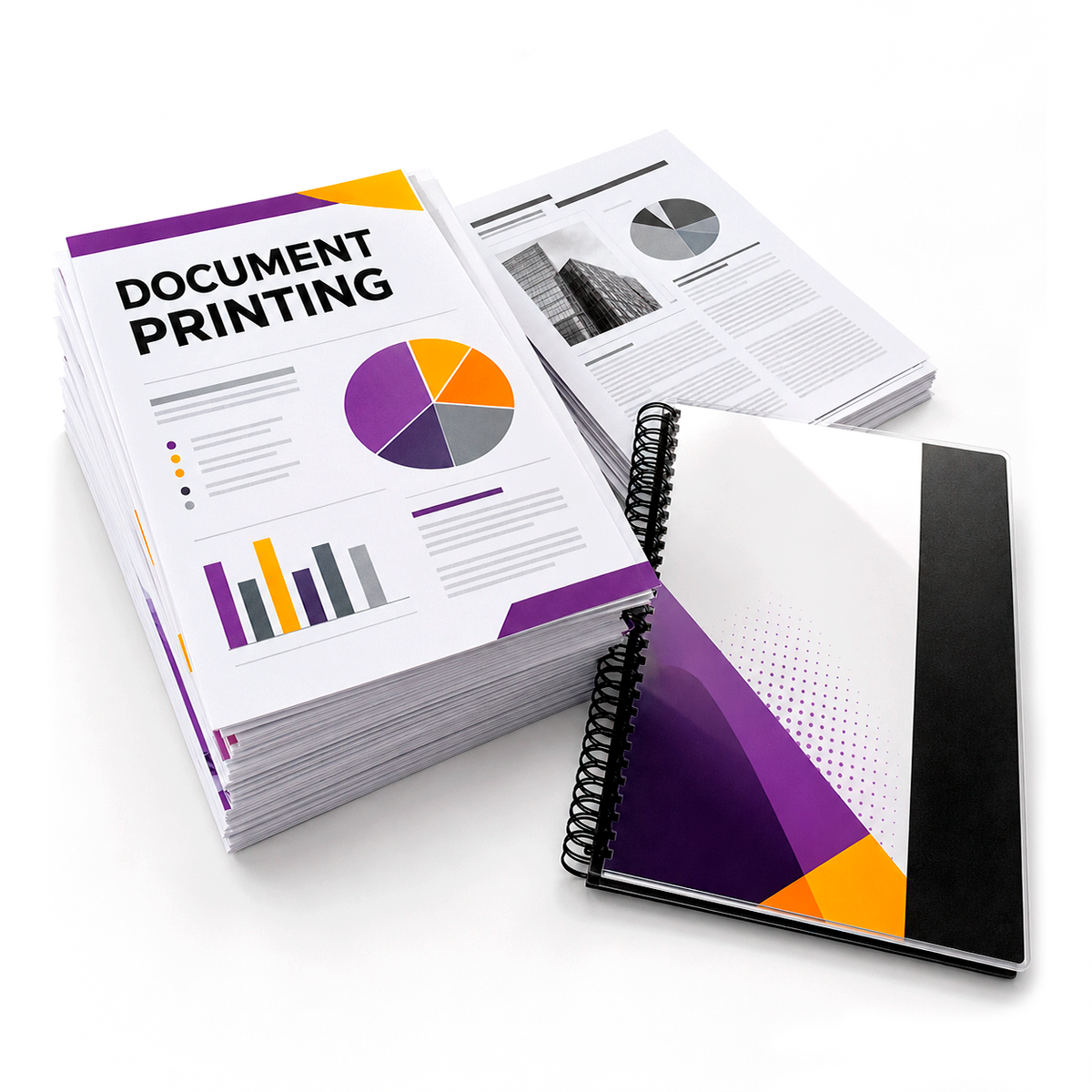
The file format you upload has a direct effect on how reliably your document prints. For most document printing orders, PDF is the preferred format because it keeps the layout, fonts, images and page size together in one finished file.
When your file is ready, upload it through our Document Printing page.
Why PDF is usually the best choice
Editable files can change when opened on a different computer. Fonts may be substituted, line breaks may move and images may shift. A correctly exported PDF reduces these risks by preserving the final appearance of each page.
Word documents
Microsoft Word files are useful while editing, but they are not ideal as final print files. Before ordering, use Save As or Export to create a PDF. Then open the PDF and verify every page.
PowerPoint presentations
Presentation slides can also change if fonts or linked images are missing. Export the finished presentation as a PDF and confirm whether you want one slide per page or a handout layout prepared before export.
Excel spreadsheets
Spreadsheets often cause problems because columns can continue beyond the printable page. Set the print area, page orientation, scaling and page breaks before exporting to PDF. Review every exported page to ensure that tables are not split unexpectedly.
Image files
JPG and PNG files can be printed, but they are image formats rather than structured documents. Text in a low-resolution image can appear soft or pixelated. For multi-page documents, combine the pages into one correctly ordered PDF whenever possible.
What to check inside the PDF
- The total page count is correct.
- Pages are in the intended order.
- The page size matches the required print size.
- Portrait and landscape pages are oriented correctly.
- Fonts, symbols and accented characters display correctly.
- Images are sharp enough for print.
- No comments, crop marks or unwanted blank pages remain.
File naming
Use a clear filename such as Annual-Report-Final.pdf instead of names such as document-new-final-v3.pdf. Clear filenames reduce the risk of uploading an older version by mistake.
Ready to upload your PDF?
Choose your printing options and upload the final checked file.
Frequently asked questions
Can I print directly from Word?
It is safer to export the final document as PDF first.
Why did my layout change?
Editable files can use different fonts, margins or page settings on another system. A PDF helps preserve the layout.
Can I use a JPG?
Yes for suitable single-page artwork, but resolution must be high enough and a PDF is generally better for multi-page documents.
More document printing guides
Document Printing Guide · How to Print Online · Choosing Paper
UPLOAD. CHOOSE. PRINT.