
WEDDING WELCOME SIGN GUIDE · IRELAND
How to Prepare Artwork for a Wedding Welcome Sign
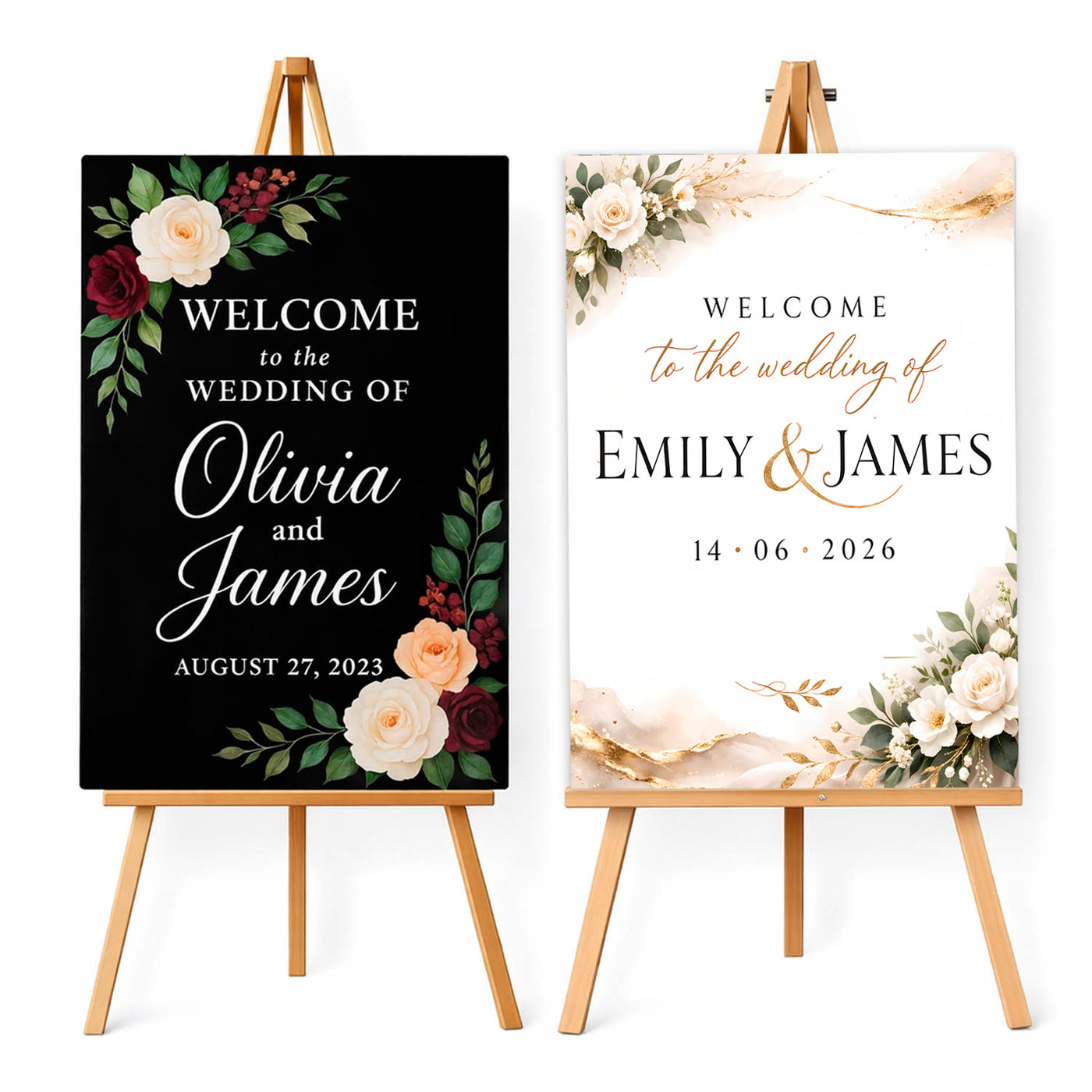
Uploading your own wedding sign design gives you complete creative control, but the file must be prepared at the correct proportion and resolution. A few checks before upload prevent soft images, cropped text and unexpected colours.
Set the correct document size
Create the artwork in portrait orientation at either 40 × 60cm or 60 × 80cm, matching the size selected on the product page. Both use a 2:3 proportion, so artwork can scale between them when it contains suitable high-resolution elements.
Keep text inside a safe area
Leave a clear margin around names, dates, logos and other essential content. Do not place fine lettering directly against the edge. Background colours and images should continue fully to the edge of the design.
Use high-resolution images
Original photos and graphics are best. Avoid screenshots, thumbnails and images downloaded from social media, as they may look acceptable on a phone but become pixelated on a large sign.
Check fonts and spelling
Export the design as a print-ready PDF where possible so fonts remain consistent. Before uploading, verify both names, the wedding date, accents and punctuation. View the final exported file—not only the Canva or design-editor screen.
Use strong contrast
Fine script text needs clear separation from the background. Dark text on a light area or light text on a dark area is usually safer than pale lettering over a detailed photograph.
Accepted file formats
You can upload PDF, PNG, JPG or TIFF artwork up to the limit shown on the product page. PDF is preferred for designs containing typography and vector graphics; high-quality PNG or JPG works well for image-based artwork.
Do you need to design it yourself?
No. If you do not have finished artwork, select one of the ready-made styles and enter your names and date. Add any essential changes in the custom instructions field.

Two ways to supply the design
You do not need to create artwork if you choose one of our ready-made styles. Select the design, enter the names and date, and add any short wording request in the instructions. The example names in the previews are placeholders and will be replaced with your details.
Choose “upload your own design” only when you already have a complete, print-ready layout. Upload PDF, PNG, JPG or TIFF artwork with backgrounds extending to the edge and essential text inside a safe margin. A Canva editing link is not a print file—export the final design first.
Upload your design or personalise a ready-made wedding sign →
WELCOME YOUR GUESTS IN STYLE.