
GOOGLE REVIEW QR CODE GUIDE · IRELAND
How Do Google Review QR Code Stickers Work?
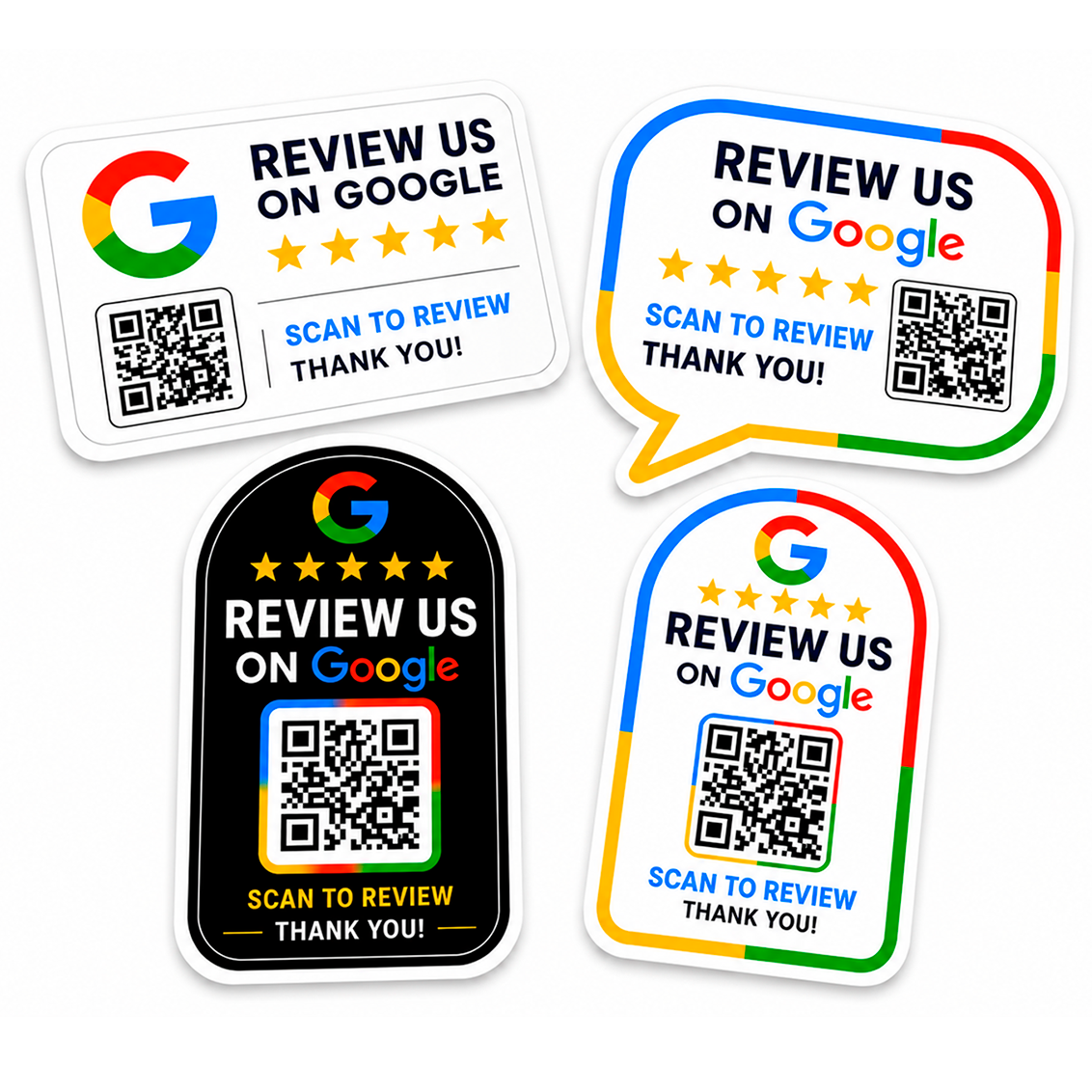
Google Review QR code stickers give customers a quick way to open a business review page with their phone. Instead of asking someone to search for the business manually, the sticker provides a QR code that can take them directly to the relevant review link.
What happens when a customer scans the QR code?
The customer opens the camera or QR scanner on their phone, points it at the code and taps the link that appears. A well-prepared QR code should lead to the intended Google review destination with as few extra steps as possible.
Why use a sticker instead of a printed card?
A sticker can stay in the same visible location every day. It can be placed on a counter, window, till area, collection point, packaging station or another surface where customers naturally see it after dealing with the business. This makes it useful for businesses that want a permanent review prompt rather than handing out separate cards.
What makes a QR review sticker easy to use?
- A QR code large enough to scan comfortably
- Good contrast around the code
- Clear wording such as “Review us on Google”
- A position where customers can reach the sticker with their phone
- A tested destination link before printing
Should you test the QR code before printing?
Yes. Test the final link on more than one phone where possible. Check that the code opens the correct business review destination and that the printed size will not make the code difficult to scan.
Where can these stickers be useful?
They can work in many customer-facing environments, including shops, salons, cafés, restaurants, offices, trades and service counters. For more ideas, see our guide on where to place Google Review QR code stickers.
Want a printed review sticker?
If you already have your Google review link, you can use it with our Google Review QR Code stickers and choose the design that suits your business.
Frequently asked questions
Do customers need a special QR app?
Most modern smartphones can scan QR codes directly with the camera, although the exact behaviour depends on the device.
Can a QR code point straight to a Google review link?
Yes, when the QR code is generated from the correct review URL it can direct the customer to that destination.
Does a QR code guarantee more reviews?
No. It simply makes the path to the review page easier. Whether a customer chooses to leave feedback is still their decision.
Related guides
How to Create a Google Review QR Code · How to Get More Google Reviews with QR Codes
MAKE REVIEWS EASIER.