
GOOGLE REVIEW QR CODE GUIDE · IRELAND
How to Get More Google Reviews with QR Codes
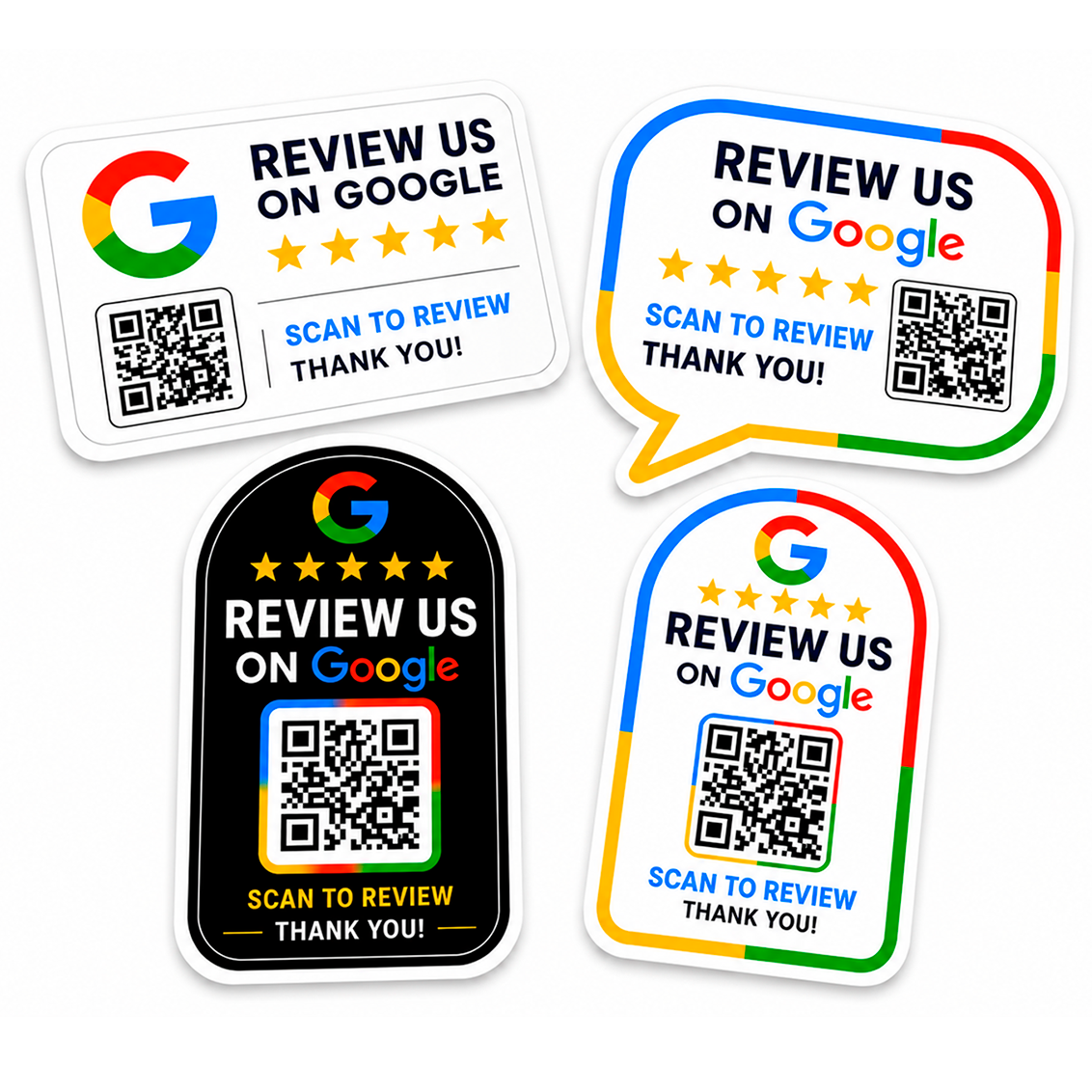
A QR code cannot make customers leave a review, but it can remove unnecessary steps from the process. Instead of asking someone to search for your business, a tested QR code can take them directly to the review destination you provide.
Make the review process easy
Every extra step can make a task easier to postpone. A visible QR code gives customers a simple action: scan, open the link and decide whether they want to leave feedback. The goal is convenience, not pressure.
Ask at the right moment
The best time to make customers aware of the review option is usually after a genuine interaction has taken place. For a shop this may be after checkout; for a service business it may be at reception or when the job is completed; for a café it may be near the till or table area.
Use clear wording
Customers should immediately understand what the code is for. Phrases such as “Review us on Google” or “Scan to share your experience” are direct and easy to recognise.
Test the customer journey
Scan the code yourself as if you were a customer. Check how quickly the review destination opens, whether it shows the correct business and whether the QR code works at the printed size and normal scanning distance.
Place the QR code where it can actually be scanned
A QR code hidden behind products or positioned across a room is unlikely to help. Choose a location that is visible, well lit and easy to reach with a phone. Read our placement guide for practical examples.
Keep the approach consistent
A permanent sticker can be more consistent than relying on staff to remember a long review link. It also means the option remains available to customers who prefer to scan without asking for instructions.
Make your review link easier to access
Print your review QR code as a durable Google Review QR Code sticker for your counter, window or customer area.
Frequently asked questions
Will a QR code improve my Google ranking?
A QR code itself does not guarantee reviews or search performance. Its practical purpose is to make your chosen review link easier for customers to open.
Should I offer rewards for positive reviews?
This guide does not recommend tying a reward to a particular rating. Keep the request focused on voluntary, honest customer feedback.
Can I use the same QR code in more than one location?
Yes, if all copies should lead to the same working review destination.
Related guides
Create a Google Review QR Code · QR Code vs NFC Review Cards
MAKE REVIEWS EASIER.