
GOOGLE REVIEW QR CODE GUIDE · IRELAND
How to Create a Google Review QR Code
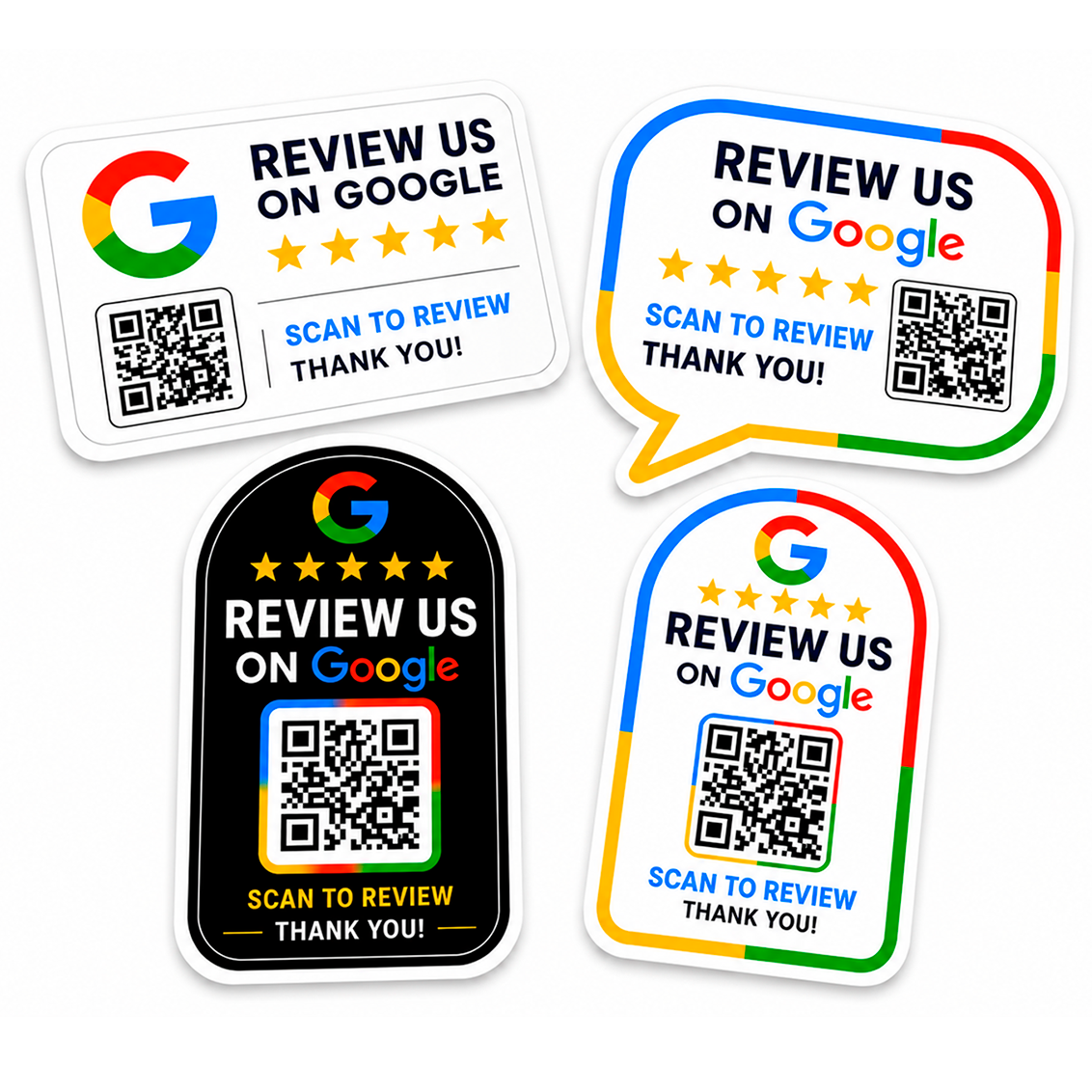
A Google Review QR code turns a review link into a code that customers can scan with their phone. The most important part is not the graphic itself but the destination behind it: the QR code must point to the correct review page for your business.
Start with the correct Google review link
Before generating the QR code, make sure you have the link you want customers to open. Test it in a private browser window or on another phone so you know it leads to the intended business and review flow.
Generate the QR code
Once the destination link is confirmed, create a QR code from that URL. For printing, use a clean, high-quality version rather than a small screenshot. The code should have clear edges and enough empty space around it so phone cameras can recognise it reliably.
Keep the design simple around the code
Decorative elements can make a sticker look more professional, but the QR area should remain easy to scan. Avoid placing busy graphics too close to the code and keep strong contrast between the QR pattern and its background.
Add a clear call to action
A QR code by itself does not tell the customer why they should scan it. Short wording such as “Review us on Google” or “Scan to leave a review” explains the purpose immediately.
Test before ordering print
- Scan the final QR code from a phone screen
- Test it from the approximate distance customers will use
- Check the exact destination URL
- Make sure the code remains readable at the final sticker size
- Keep a copy of the final link used to generate the code
If you are deciding where the finished sticker should go, read our guide to Google Review QR code sticker placement.
Turn your review link into a printed sticker
Printmania can produce custom Google Review QR Code stickers for your business. Supply the correct review link and choose the design option you prefer.
Frequently asked questions
Can I use a screenshot of a QR code?
It may scan, but for print it is better to use the cleanest and highest-quality QR artwork available.
Should I shorten the Google review link first?
It is not essential if the QR generator can encode the full working link. The important point is that the final code is tested before printing.
Can I add my logo near the QR code?
Yes, provided the logo and other design elements do not interfere with the readable QR area.
Related guides
How Google Review QR Code Stickers Work · Google Review QR Code vs NFC
MAKE REVIEWS EASIER.