
STICKER SHEET GUIDE · IRELAND
QR Code Sticker Sheets for Packaging, Menus and Promotions
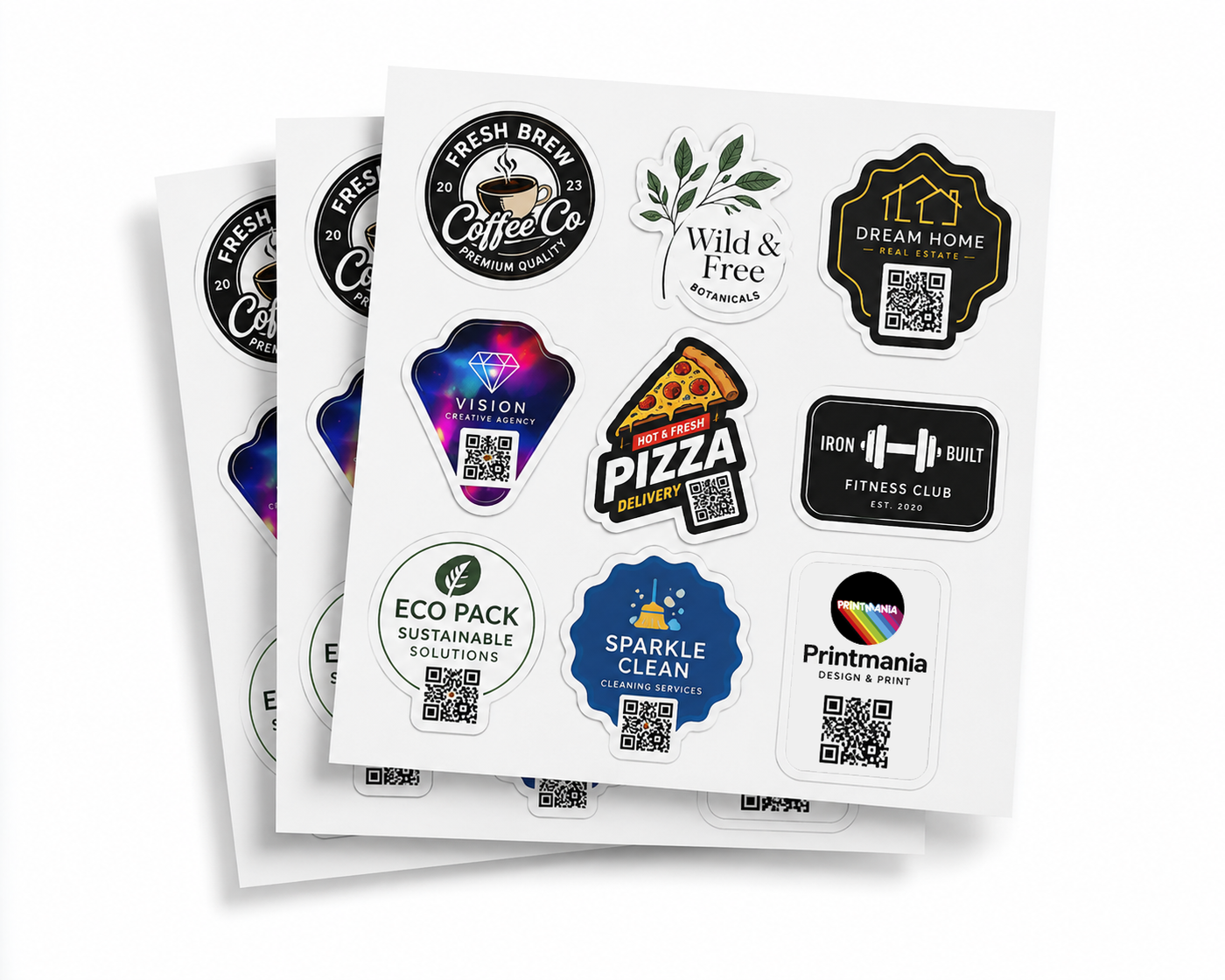
QR code sticker sheets are useful when the same code needs to be applied repeatedly to packaging, menus, displays, collection cards or promotional material. The backing sheet keeps the stickers organised, but reliable scanning depends on the code destination, physical size, contrast, clear space and final surface.
Quick answer: use a high-contrast QR code with a clear border, test it at the exact printed size on several phones and make sure the destination page works well on mobile before ordering a full sheet.
Choose the destination before designing the sticker
The printed QR code cannot be changed after production. Confirm that the destination is useful, accurate and likely to remain available. A mobile-friendly page is normally better than sending customers to a desktop-only document or a complicated homepage.
| Destination | Useful call to action | Check before printing |
|---|---|---|
| Online menu | Scan for menu | prices and opening information are current |
| Review page | Leave a review | link opens the correct business profile |
| Product instructions | Scan for instructions | page is readable on a phone |
| Promotion or offer | Scan to view offer | expiry terms are clear |
| Contact or booking page | Book online | form is short and working |
Static versus changeable QR destinations
A static QR code points directly to one fixed URL. It is simple and does not normally depend on an ongoing service, but the printed destination cannot be replaced. A redirect or dynamic QR service may allow the destination to change later, although some services charge a recurring fee or disable features when a plan ends.
Check ownership and ongoing cost before relying on any third-party QR platform. For long-term packaging, use a destination you control whenever practical.
Use strong contrast and a clear quiet zone
Most reliable codes use a dark pattern on a light, plain background. Decorative colours can work, but low contrast increases the risk of failed scans. The empty border around the code — known as the quiet zone — must remain clear on all four sides.
- do not crop the clear border;
- do not place text or graphics over the code modules;
- do not stretch the code wider or taller;
- avoid a busy photograph behind the code;
- export the code sharply rather than using a screenshot.
How large should a QR code sticker be?
There is no single size that works for every code. Required size changes with scanning distance, code complexity, print quality, lighting and surface curvature. A code used on a small product package can be smaller than one intended for a counter display, but it still needs a real-size test.
Print the complete sticker at 100% scale and scan it without zooming in. Test more than one phone and camera app. If scanning feels slow or unreliable, increase the code size, simplify the destination URL where possible or improve contrast.
Consider the finish and final surface
| Condition | Possible issue | Practical response |
|---|---|---|
| Strong overhead lighting | glare across a glossy code | test the angle or consider matte vinyl |
| Curved bottle or jar | distortion across the code | use a smaller flat area or reposition the label |
| Dark packaging | insufficient contrast at the edge | include a solid light background and quiet zone |
| Outdoor or changing light | inconsistent scanning conditions | test in the real location before the full run |
One repeated QR code per online sheet
The standard online product repeats one uploaded design across each 29.7 × 42 cm sticker sheet. That is ideal when the same menu, review or instruction code is applied repeatedly. If you need several different QR codes on one sheet, request a custom layout and clearly identify the purpose of every code.
Final QR code checklist
- Open the destination and confirm it is correct.
- Check that the page works on mobile.
- Use strong contrast and preserve the quiet zone.
- Print a 100% paper sample.
- Test several phones at a realistic distance.
- Place the sample on the actual surface and test again.
- Confirm the final artwork before upload.
Once the code is tested, choose the finished size, shape, gloss or matte vinyl and number of sheets on the Custom Sticker Sheets Printing page.
Frequently asked questions
Can several different QR codes go on one sheet?
Not through the standard repeated-design setup. A multi-code sheet requires a custom layout and quote so every code can be checked and identified correctly.
Should I test only one phone?
No. Test several phones and camera apps at the exact printed size and on the intended surface.
Is gloss always unsuitable for QR codes?
No. Gloss can scan well, but reflections may reduce reliability under difficult lighting or on a curved surface. Test the real placement before ordering.
Can I change the destination later?
A static printed code cannot change. A redirect or dynamic service may allow changes, but check ownership, reliability and any ongoing subscription cost first.
MORE STICKERS. ONE EASY SHEET.