
STICKER SHEET GUIDE · IRELAND
How to Prepare Artwork for Custom Sticker Sheets
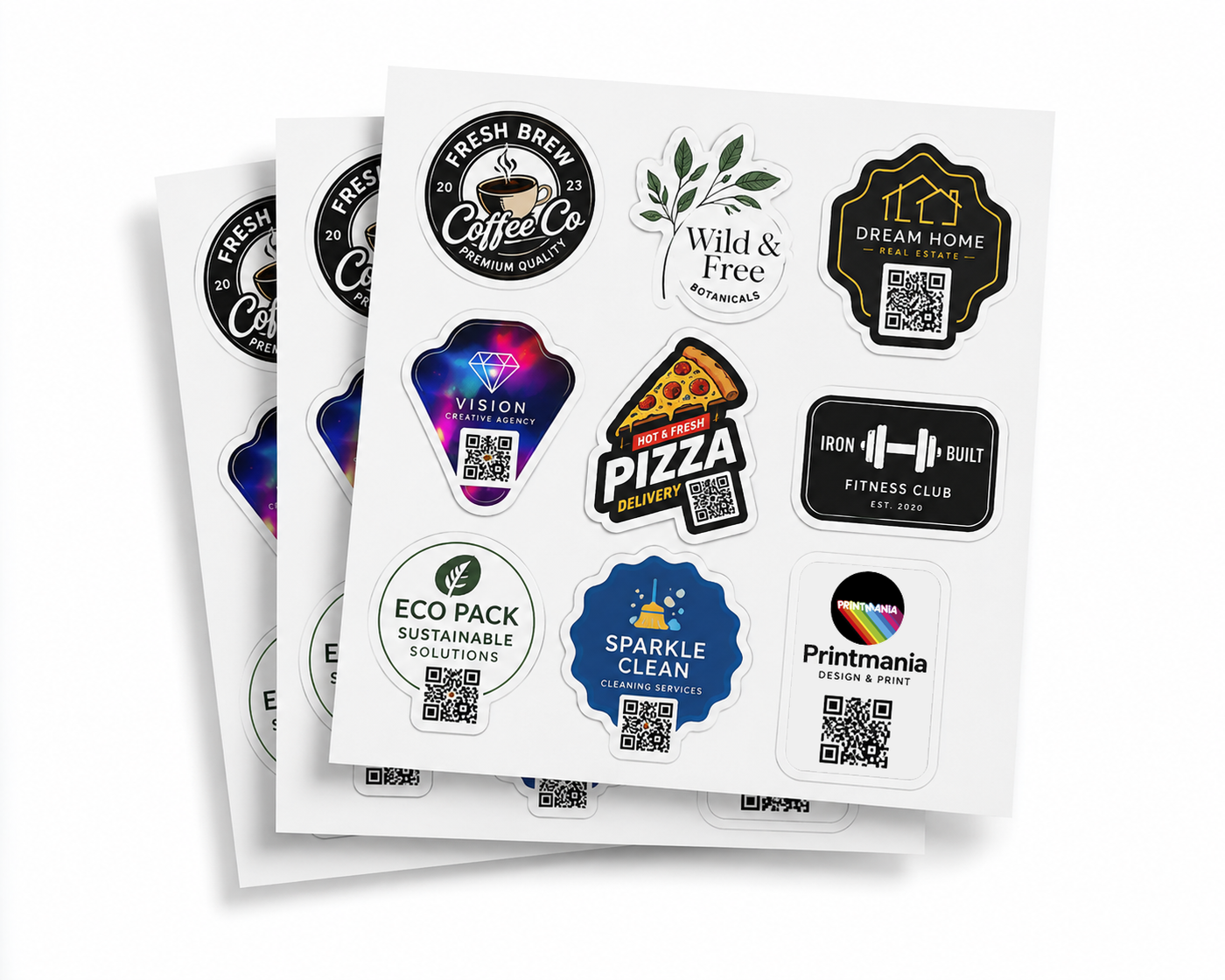
Good artwork helps custom sticker sheets print sharply and cut consistently. The essential checks are file quality, final size, background, safe spacing, readable text and a clear outer shape. A few minutes spent checking the file can prevent blurred logos, unwanted white boxes or details placed too close to the cut edge.
Quick answer: upload the clearest final version of one design, preferably as a vector PDF or high-resolution PNG. Set the intended sticker dimensions, keep important details safely inside the edge and test the artwork on paper at 100% scale.
Use the best available file
| File type | Best suited to | What to check |
|---|---|---|
| Vector PDF or SVG | logos, icons and line artwork | fonts and linked images are included correctly |
| High-resolution PNG | illustrations and transparent backgrounds | pixel dimensions are sufficient for final size |
| High-resolution JPG | photographic artwork without transparency | compression is not visible around edges or text |
| Screenshot or social-media image | reference only | replace with the original artwork whenever possible |
Do not assume a file is high quality because it looks sharp while small on a phone. A low-resolution image can appear acceptable on screen and still print with soft edges or blocky text.
Prepare the artwork at the intended finished size
Choose the physical width and height of the sticker before finalising small text or thin lines. View the design at that size and print a paper sample at 100%. This is especially important for phone numbers, web addresses, ingredients and QR codes.
If the artwork only works while enlarged on a monitor, simplify it or increase the finished sticker size. Trying to fit too much information into a small label usually produces a weaker result.
Keep important content away from the cut edge
Text, logos, faces and other essential details should sit safely inside the intended sticker boundary. Background colour or imagery can extend beyond the cut edge, but important content should not rely on a perfectly exact cut position.
| Artwork element | Recommended treatment |
|---|---|
| Background colour or photograph | extend beyond the intended cut rather than ending exactly at the edge |
| Logo and important text | keep comfortably inside the sticker boundary |
| Thin border | avoid placing it extremely close to the cut line |
| QR code | preserve the clear quiet zone on every side |
| Custom outer shape | use a smooth, simple contour without tiny projections |
Check the background carefully
A transparent background means the material or chosen printed base will show around the design. A white rectangle in the uploaded artwork may print as part of the sticker. Zoom out and inspect the whole canvas so unwanted boxes, guides or hidden objects do not become part of the final result.
If a white border is intentional, show it clearly and consistently around the design. Do not rely on an accidental white background to create an even outline.
Use a clean cut shape
Circle, square and rectangle options are straightforward. For a custom shape, imagine one smooth line travelling around the outside of the design. Tiny spikes, narrow gaps and detailed internal contours can make the cut path unnecessarily complicated and may reduce how efficiently stickers fit on the sheet.
A simplified outer contour normally gives a cleaner sticker while preserving detail inside the printed artwork.
One uploaded design is repeated online
The standard Custom Sticker Sheets Printing order repeats one uploaded design across the 29.7 × 42 cm sheet. Do not upload a folder of unrelated files and expect them to be arranged automatically. If you need a mixed-design sheet, provide a clear brief and request a custom quote before ordering.
Final artwork checklist
- the file is the final approved version;
- the chosen dimensions match the real application surface;
- logos and text are clear at 100% print size;
- important details are away from the cut edge;
- background transparency is intentional;
- fonts and linked images are included correctly;
- spelling, prices, phone numbers and URLs are current;
- QR codes scan from a printed-size sample;
- unwanted guides, notes and hidden objects are removed.
Frequently asked questions
Can I upload a JPG?
Yes, when it is high resolution and does not require transparency. A vector PDF or high-resolution PNG is often more suitable for logos and custom-shaped artwork.
Will a screenshot print clearly?
Usually not as well as the original file. Screenshots are often too small and may include compression, backgrounds or interface elements.
Do I need to create the complete sheet layout?
Not for the standard online repeated-design order. Upload one final design and choose its finished size. Mixed-design layouts require a custom request.
How do I check small text?
Print the artwork at 100% scale and read it without magnification. If it is difficult to read, increase the sticker size or simplify the content.
MORE STICKERS. ONE EASY SHEET.