
STICKER SHEET GUIDE · IRELAND
Best Sticker Size for Packaging, Products and Thank-You Labels
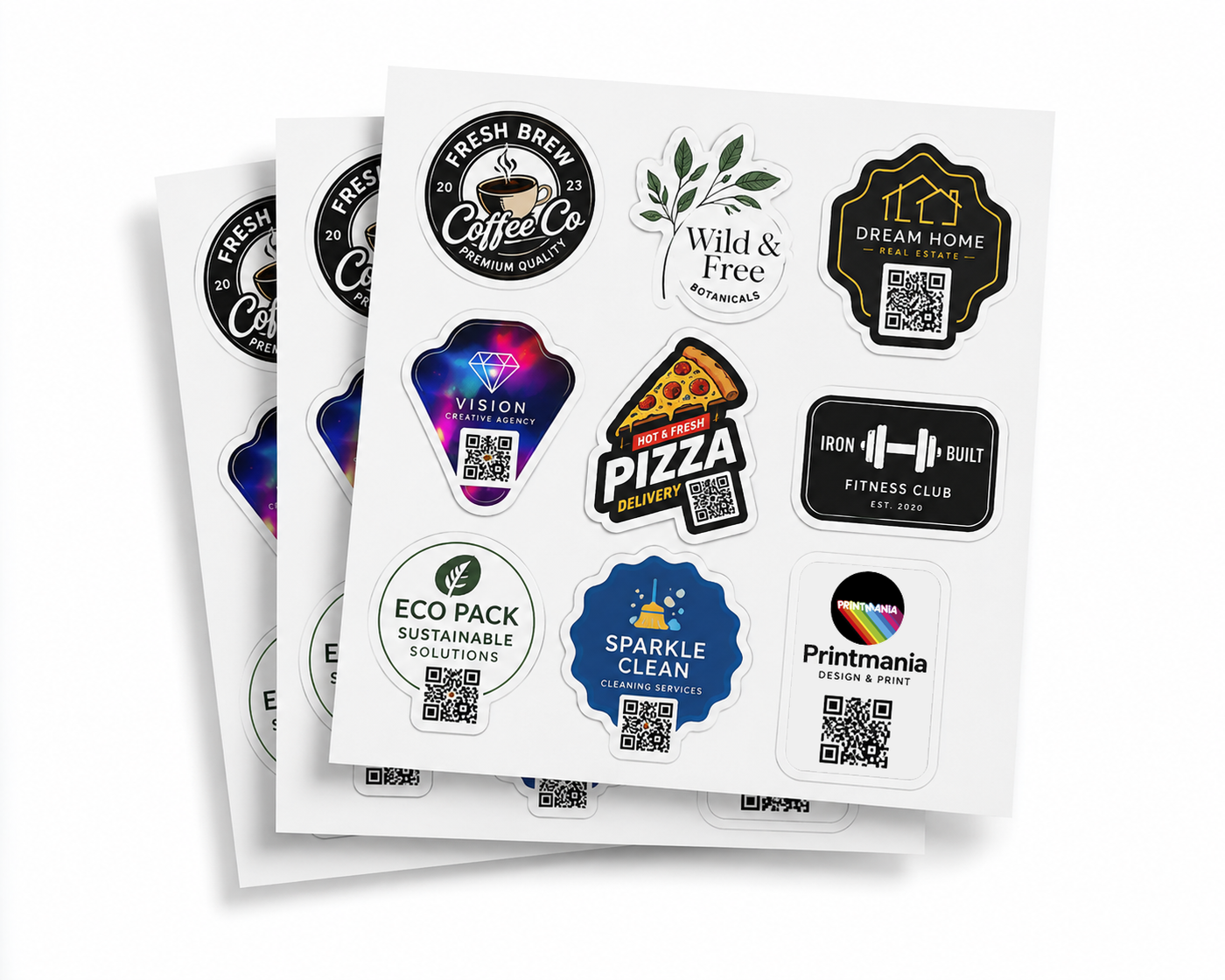
The best sticker size for packaging is the smallest size that keeps the design readable, fits the usable flat area and looks balanced on the product. Measuring the whole box, jar or bag is not enough; you need to measure the exact surface where the sticker will be applied.
Quick answer: start by measuring the flat application area, then print the artwork at 100% scale. For many simple logos and thank-you stickers, 40–60 mm is a useful starting range, but longer wording and QR codes often need more space.
Measure the usable area, not the package
A package can be much larger than the area that accepts a label cleanly. Avoid seams, folds, handles, ridges and sharply curved sections. On a jar or bottle, check whether the chosen sticker width can follow the curve without lifting at the edges.
- Identify the exact position where the label will sit.
- Measure the flat width and height in millimetres.
- Leave visible space around the sticker so it does not look cramped.
- Cut a paper sample to size and place it on the package.
Practical size ranges for common uses
| Use | Useful starting range | What to check |
|---|---|---|
| Logo seal on tissue or a small bag | 30–50 mm | keep the logo simple and centred |
| Thank-you sticker | 40–60 mm | check that short text remains clear |
| Jar, candle or cosmetic branding | 40–75 mm | measure the curve and label panel |
| Address or information label | 60–100 mm wide | prioritise readable text over quantity |
| Promotional sticker | 60–100 mm | judge visibility from a normal distance |
These measurements are starting points, not rules. A long horizontal logo may need a rectangular label, while a compact icon can work well as a smaller circle or square.
Choose the shape to suit the design
| Shape | Works well for | Common mistake |
|---|---|---|
| Circle | seals, icons and compact logos | placing long text too close to the curved edge |
| Square | QR codes, badges and balanced logos | filling every corner without breathing room |
| Rectangle | addresses, ingredients and wordmarks | choosing a width that crosses a fold or curve |
| Custom shape | illustrations and distinctive brand marks | using an overly detailed outer cut line |
Make text readable at the final printed size
Artwork is often viewed while enlarged on a monitor, which can hide a size problem. Reduce the design to its actual print dimensions and print a paper test at 100%. Check product names, ingredients, web addresses and contact details without zooming in.
If the label contains a lot of information, do not force everything into a small circle. A wider rectangle or a separate information label will usually look cleaner and be easier to read.
Give QR codes enough room
A QR code needs strong contrast and a clear quiet zone around all four sides. The correct physical size depends on the code complexity, print quality and scanning distance, so it should always be tested at the final printed dimensions using several phones.
- do not crop the clear border around the code;
- avoid placing it on a busy image;
- do not stretch the code out of proportion;
- test the destination page on mobile;
- consider reflections and package curvature.
Balance sticker size with sheet quantity
Smaller stickers normally allow more pieces to fit on a A3 sheet (29.7 × 42 cm). However, reducing the size only to increase quantity can damage readability and presentation. Start with the package and artwork requirements, then use the sheet quantity as a secondary consideration.
For more detail on capacity, see how many stickers fit on a custom sticker sheet.
Test the complete package before ordering
A simple paper mock-up is one of the most reliable checks. Print the artwork at 100%, cut around the intended shape and temporarily place it on the package. View it at arm’s length, check it under normal lighting and make sure it does not cross a seam or lift around a curve.
Once the size is confirmed, select the shape, dimensions, gloss or matte vinyl and number of sheets on the Custom Sticker Sheets Printing page. The standard online order repeats one uploaded design across each sheet.
Frequently asked questions
Should a label cover the whole package?
Usually not. A visible margin around the sticker often looks cleaner and reduces the risk of crossing a fold, seam or curve.
Can one sticker size work for every product?
Only when the application areas are genuinely similar. Different jars, boxes or bags may need separate sizes even if they use the same branding.
What size is best for a thank-you sticker?
A 40–60 mm sticker is a useful starting point for a simple message, but the final choice depends on the text length, shape and package.
How do I check the size before printing?
Print the artwork at 100% scale on ordinary paper, cut it out and place it on the intended surface. Do not judge size only from an enlarged screen preview.
MORE STICKERS. ONE EASY SHEET.